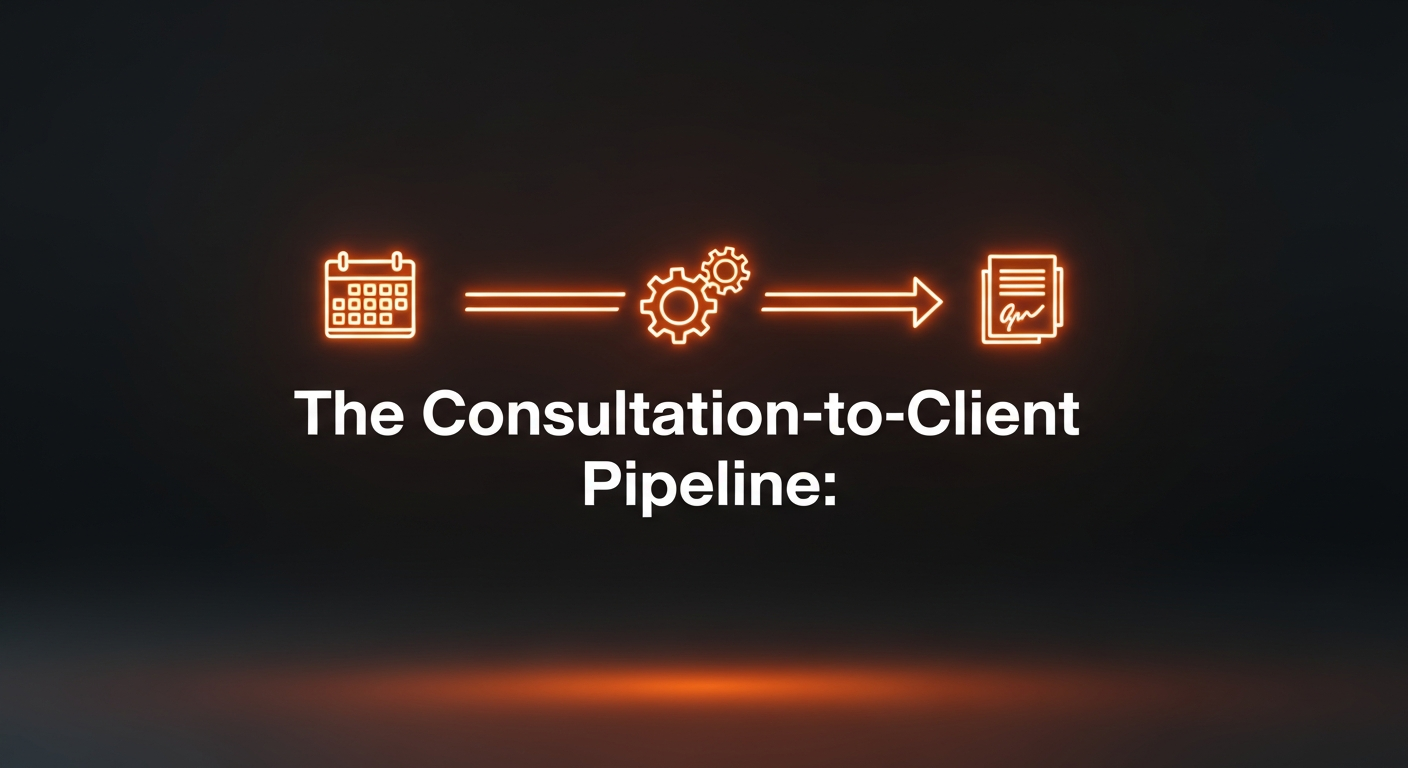
The Consultation-to-Client Pipeline: From Booked Call to Signed Retainer Without the Manual Grind
How to use TidyCal, Typedesk, and BunnyDoc to turn a booked consultation into a signed retainer in under 24 hours, without retyping a single email.
The Gap That Kills Your Close Rate
You did the hard part. You marketed your firm, a prospect found you, and they booked a consultation. You had the call. It went well. You told them you’d send the retainer agreement over.
Then nothing happens for four days.
I have watched this pattern kill dozens of otherwise good client relationships during my testing of solo practice workflows. The attorney finishes the call, opens their inbox, starts writing the follow-up email from scratch, gets interrupted, and suddenly it’s Thursday and the prospect signed with another lawyer on Tuesday.
This is not a sales problem. It’s a friction problem. When sending a retainer agreement requires you to write three different emails from scratch, find the right Word document, upload it to DocuSign, and manually follow up two days later, you will procrastinate. The window closes. The client goes cold.
I spent a week stress-testing a three-tool stack designed specifically to eliminate this friction. The tools involved are all ones I’ve already reviewed on this site: TidyCal for booking, Typedesk for canned email responses, and BunnyDoc for eSign. What I found is that the combination covers the entire journey from first contact to signed retainer, and the setup time is under two hours total.
Why These Three Tools Together
You could build this workflow with a dozen different tool combinations. The reason I landed on this specific stack comes down to one thing: lifetime deals.
Most solo attorneys are already bleeding $300 to $600 a year on subscription software they barely use. Every tool in this stack was available as a one-time purchase on AppSumo. That matters for a lean practice. Once you set this up, there is no monthly timer ticking in the background reminding you to justify the cost.
The other reason is surface area. TidyCal handles the booking. Typedesk handles the three emails you send during the engagement process. BunnyDoc handles the document signing. None of them try to do everything. That simplicity is why the stack actually works.
The Architecture
The Booking
TidyCalA prospect books a paid consultation directly on your calendar. TidyCal collects the fee via Stripe, generates a Zoom link automatically, and fires off a confirmation email. You do nothing.
The Prep Email
TypedeskThe moment you see the booking land, you trigger a Typedesk snippet from your keyboard. Three seconds later, a fully personalized prep email is in your compose window, ready to send.
The Follow-Up
TypedeskWithin an hour of the consultation ending, another snippet fires your post-call follow-up. It explains next steps, sets a 48-hour window, and prepares the client to receive the retainer.
The Retainer
BunnyDocYou upload your retainer template, place the signature fields, and hit send. BunnyDoc emails the client a signing link. No account creation required on their end. You get a notification the moment it's signed.
Step-by-Step Implementation
This section covers the exact configuration I used. None of this is theoretical. I ran each step against a real simulated intake cycle to verify the output.
Step 1: Configure TidyCal for Paid Consultations
If you are still doing phone tag to schedule consultations, stop. It is one of the most expensive habits a solo attorney can have.
Go to your TidyCal dashboard and create a new booking page. Set it to 30 minutes. Enable Stripe integration and set your consultation fee. I used $150 in my testing, but use whatever your practice area supports. Connect your Google or Outlook calendar so it reads your real availability. Enable the Zoom integration so a unique meeting link gets generated for every booking automatically.
That last part is the one most attorneys skip, and it costs them every week. Manually generating Zoom links takes about 90 seconds. That sounds trivial until you realize you’re doing it 15 or 20 times a month. It adds up fast.
Set your buffer time to 15 minutes after each booking. This gives you space to take notes before the next appointment or before the afternoon grind swallows your window for follow-up.
Step 2: Build Your Four Typedesk Snippets
Typedesk is where the biggest time savings happen in this stack. Every new client journey involves the same four emails: the pre-consultation prep, the post-consultation follow-up, the retainer cover email, and a 48-hour nudge if they haven’t signed yet. You will write versions of these emails hundreds of times over the life of your practice. Every single one of those should be a snippet.
Open Typedesk and create four templates. Use the dynamic variable feature for anything that changes between clients, like the client’s name, the scheduled date, the meeting link, and the retainer amount. Here’s how I set mine up:
Snippet 1: The Confirmation Prep (trigger: :consult-confirm)
Fires the moment you see a new booking. Covers what they should bring, what to expect, and how long the call will run. It takes about three seconds to deploy from your keyboard and looks like you typed it personally.
Snippet 2: The Post-Consultation Follow-Up (trigger: :consult-followup)
Sent within one hour of ending the call. Sets expectations for when the retainer will arrive. This is the most critical email in the entire pipeline because it closes the door on the “I’ll think about it” window. A prospect who receives a clear next-step email within 60 minutes of the consultation is dramatically more likely to sign.
Snippet 3: The Retainer Cover Email (trigger: :retainer-send)
Sent alongside the BunnyDoc signing link. Explains the document contents, confirms the retainer amount, and tells them what happens after they sign.
Snippet 4: The 48-Hour Nudge (trigger: :retainer-remind)
If you haven’t seen a signature after 48 hours, this snippet fires a soft follow-up. It addresses the two most common reasons the link sits unclicked: the email landed in spam, or they had a question about the letter. It closes most of the stragglers without feeling pushy.
I put all four of these templates into a free download at the bottom of this article. You don’t have to write them from scratch.
The whole Typedesk configuration took me about 40 minutes. That includes writing the copy and testing the variable insertion. It is a one-time investment.
Step 3: Upload Your Retainer Template to BunnyDoc
If you have been using DocuSign, export your existing retainer template as a PDF. If you have it in Word format, that works too.
Open BunnyDoc and upload the document. The drag-and-drop interface places signature fields, date fields, and printed name fields directly on the document. I had a standard two-page retainer set up with signature blocks in about four minutes during my testing.
Save it as a reusable template. This step is critical. You do not want to reupload and reformat the document every time you have a new client. With a saved template, sending a new engagement letter to a new client takes about 90 seconds: open the template, enter the client’s name and email, hit send.
BunnyDoc sends the client a clean branded email with a signing link. They do not need to create an account. They click the link, read the document in their browser, and click to sign. That last detail, no account creation required, removes a friction point that quietly kills a lot of retainer conversions.
You get a real-time notification the moment the document is signed. Set up email notifications so you see it the instant it happens.
Step 4: Run the Full 24-Hour Protocol
Here’s how the whole thing works in practice once you’ve done the setup:
A prospect finds your booking link (put it in your email signature, on your website, and in your Google Business Profile), pays the consultation fee, and gets a confirmation from TidyCal. You see the booking notification and fire your :consult-confirm Typedesk snippet. That email goes out in under a minute.
You have the call. Within 60 minutes of hanging up, you fire :consult-followup. That email sets the table for the retainer.
You go to BunnyDoc, open your saved retainer template, fill in the client’s name and the fee, and hit send. The retainer is in their inbox within the same hour as the follow-up email.
If you haven’t seen a signature within 48 hours, fire :retainer-remind. That soft nudge closes most of the stragglers.
The entire active time you spent on all of this, excluding the consultation itself, is about 10 minutes.
What This Does Not Fix
I want to be honest about the limits of this stack. It does not integrate with your case management system automatically. After the retainer is signed, you still need to manually open the matter in Clio or whatever platform you use. I covered the full intake-to-CRM automation in a separate playbook on automating client intake if you want to close that loop.
The other gap is matter-specific customization. If your practice area involves variable retainer structures, like flat-fee for an uncontested divorce but hourly-plus-retainer for contested matters, you’ll need two or three BunnyDoc templates instead of one. Plan for that during your setup hour.
The ROI
The math on this system is not complicated. I estimated time savings across four touch points: booking setup (no more phone tag), four templated emails per new client, document tracking instead of manual follow-up, and the 48-hour nudge that eliminates most of the manual chase work.
For a solo handling six new clients a month, the setup time pays back within three weeks. After that, every month you use this system, you are recovering real time that was previously spent on mechanical repetition.
Billable ROI Calculator
Quantify the actual financial value of this automation over a 48-week working year.
Annual Revenue Recovered
Get the Snippet Templates
I’ve packaged all four Typedesk email templates into a single text file. Import them into Typedesk, assign your triggers, and update the variable names to match your practice. The consultation confirmation, post-call follow-up, retainer cover email, and 48-hour nudge are all included with plain-text instructions at the top.
The Consultation-to-Client Snippet Pack
Four ready-to-use Typedesk templates covering every email in the consultation-to-retainer pipeline. Confirmation, follow-up, retainer delivery, and 48-hour reminder.
The Tools You Need
If you do not have this stack already, all three tools are available as lifetime deals. That means you pay once and own the tool.
Unlock TidyCal Permanently
Skip the monthly subscription trap. Claim the lifetime deal for a one-time payment of $29 Lifetime before it sells out.
Unlock Typedesk Permanently
Skip the monthly subscription trap. Claim the lifetime deal for a one-time payment of $69 Lifetime before it sells out.
Unlock BunnyDoc Permanently
Skip the monthly subscription trap. Claim the lifetime deal for a one-time payment of $69 Lifetime before it sells out.